1
Single review queue
Parents should not hunt across screens. A central queue keeps pending approvals visible and fast to process.
Approval workflow
Parent approval sounds simple, but implementation quality varies. This page explains how to evaluate approval flows so your family gets accountability without adding unnecessary overhead.
Parents should not hunt across screens. A central queue keeps pending approvals visible and fast to process.
Optional notes/photos help when tasks are disputed. Requiring proof for every task can create drag, so flexibility matters.
Approval works best when chores have visible criteria so kids know what "done" means before submission.
When approval updates progress and rewards quickly, the behavior loop is easier for kids to understand and repeat.
Family life in motion
A predictable review moment helps families keep accountability constructive. Kids know what quality looks like, and parents avoid repeating the same conversations.
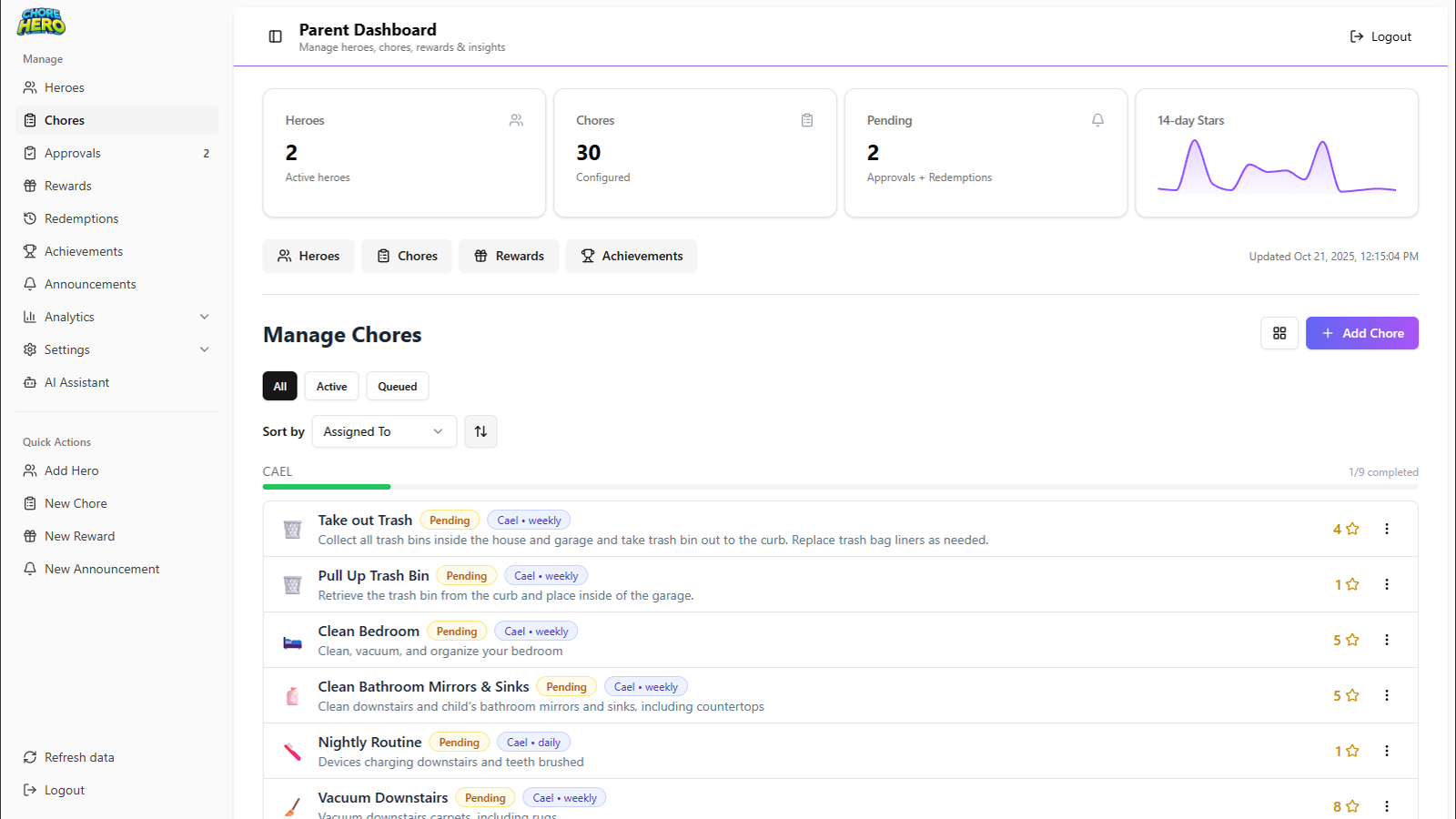

Approval workflows succeed when they are predictable, fast to review, and easy for kids to understand.
Write the completion standard before kids submit chores.
Use a single daily queue pass to avoid scattered decisions.
Reject with concrete feedback so resubmissions are predictable.
Approval keeps standards consistent and prevents disputes about what counts as completed.
Not necessarily. Many families reserve approvals for chores where quality or safety matters most.
Parents review from one queue, can check proof where needed, and approve to unlock progress and rewards.